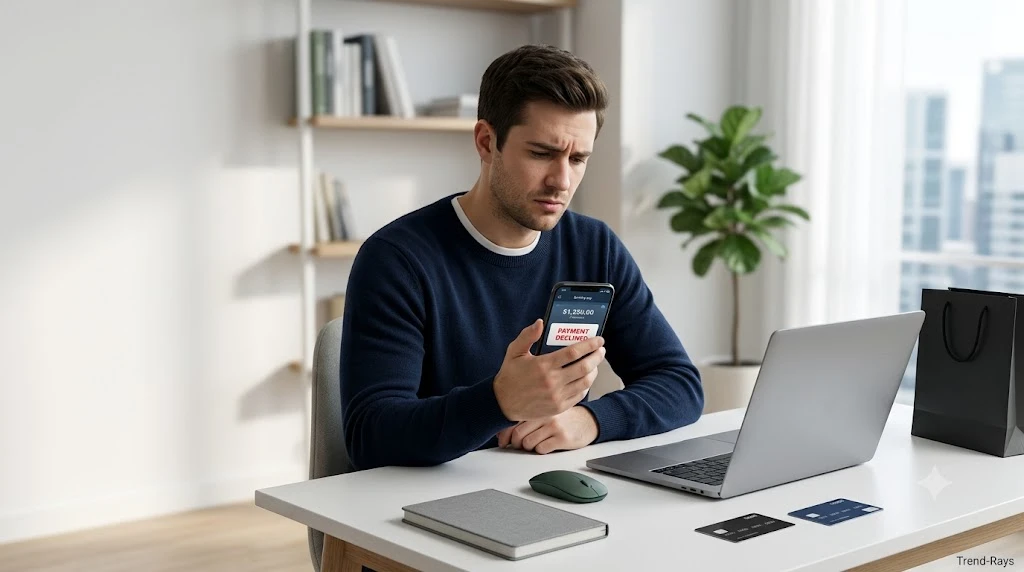
You did the hard work. You found the perfect customer, convinced them to apply for a premium credit card, and they successfully clicked your affiliate link. But when you check your GroMo or BankSathi dashboard a few days later, the status says “Rejected” or it is permanently stuck on “Pending”—and you just lost ₹3,000.
Why does this happen? The most important thing to understand is that the aggregator app does not reject your lead; the bank does. If you are struggling with conversions, here is the direct answer to why your leads fail.
📌Top Reasons for Lead Rejection
- Not “New-To-Bank” (NTB): The customer already has an account with that bank.
- Self-Application / Same IP: The customer used your phone or Wi-Fi to apply.
- CIBIL Score Mismatches: The customer does not meet the bank’s credit criteria.
- Video KYC Abandonment: The customer dropped out during the live video call.
- Aadhaar Number Mismatch: The mobile number used is not linked to their Aadhaar.
- Unserviceable Pin Codes: The customer’s address is outside the bank’s approved zones.
(If you are still learning the basics of this business model, read our guide on the top financial affiliate apps in India to earn ₹50k/month first).
Reason 1: The Customer is Not “New-To-Bank” (NTB)
In the financial affiliate space, banks only pay commissions for brand-new customer acquisitions. If your friend already has a simple savings account with HDFC and uses your link to open an HDFC Demat account or apply for an HDFC credit card, the lead will drop. The bank considers them an existing customer, meaning they are not “New-To-Bank.”
How to Fix This
1.Pre-Screen the Customer:
Before generating any tracking link, explicitly ask the customer: “Do you have any active or closed accounts, loans, or credit cards with [Bank Name]?”
2.Pivot to a Competitor:
If they answer yes, do not send the link. Immediately pivot to a competing bank where they have zero history. For example, if they bank with HDFC, send them an Axis Bank or SBI link instead.
Reason 2: Self-Application and IP/Wi-Fi Matching
This is the number one mistake beginners make. You generate a link and hand your phone to your friend to fill out the application, or you both sit on the same home Wi-Fi network while they apply. The bank’s anti-fraud algorithm detects that the IP address or Device ID of the applicant matches the affiliate agent. This triggers an automatic rejection for “Self-Application.”
How to Fix This
1.Never Use Your Own Device:
The customer must click the link and complete the entire application on their own smartphone or personal laptop.
2.Switch to Mobile Data:
Instruct the customer to turn off their Wi-Fi and use their own mobile network data (4G/5G) when clicking your link and filling out the forms to ensure clean IP tracking.
Reason 3: CIBIL Score Mismatches and Debt Burden
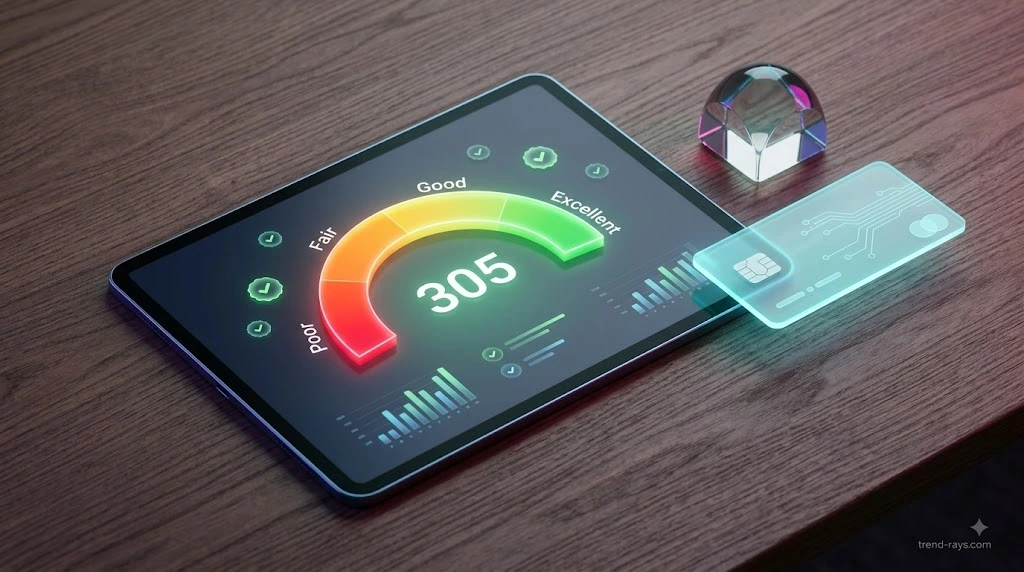
Sending a premium travel credit card link to a 19-year-old college student with zero credit history, or to someone heavily burdened with multiple active personal loans, triggers an instant algorithmic rejection. Banks have strict debt-to-income and CIBIL requirements that cannot be bypassed.
How to Fix This
1.Run a Free Credit Check:
Use the free “Credit Score Checker” tool built directly into the GroMo or BankSathi app. Ask your prospect for permission to check their eligibility first.
2.Pitch the Matching Product:
Once the app analyzes their CIBIL bracket, it will automatically recommend the exact products they qualify for. Only send links for those specific, pre-approved recommendations.
Pro Tip: Avoid the “Desperation” Flag: Never tell a customer to apply for 3 or 4 different credit cards at the same time just to “see which one approves.” Every single application triggers a “Hard Inquiry” on their credit report. Applying to multiple banks simultaneously will instantly crash their CIBIL score in real-time, resulting in all the banks rejecting them on the spot. Pick one perfect card and apply only for that.
Reason 4: Incomplete Video KYC (V-KYC) Abandonment
A customer might successfully click your link and fill out the initial forms, but get intimidated or distracted when the bank prompts them for a live Video KYC call. If they close the browser and fail to complete this final step within the bank’s allowed timeframe (usually 3 to 7 days), your lead gets permanently stuck in “Pending.”
How to Fix This
1.Educate Before the Click:
Tell your customer exactly what to expect before they open your link: “At the end of this form, the bank will start a quick 2-minute video call. Keep your physical PAN card and a blank piece of paper ready.”
2.Set a 24-Hour Follow-Up:
Check your dashboard 24 hours after they click. If the status says “Pending,” send them a polite message asking if they need help completing the Video KYC process before the link expires.
Reason 5: Mobile Number and Aadhaar Card Mismatch
Many customers try to apply for financial products using their primary, daily WhatsApp number. However, if that daily number is different from the mobile number officially linked to their Aadhaar card, the mandatory e-KYC OTP verification will fail. Banks reject these instantly due to identity mismatch protocols.
How to Fix This
1.Verify the Registered Number:
Instruct your customer that they absolutely must use the exact mobile number linked to their Aadhaar card when filling out the first page of the application.
2.Redirect to Aadhaar Seva Kendra:
If the customer no longer has access to their old Aadhaar-linked number, they must visit a local Aadhaar Seva Kendra to update it before they can apply for any digital financial products.
Reason 6: The Customer Lives in an Unserviceable Pin Code
Top-tier banks heavily restrict where they issue credit cards and personal loans. If your customer applies from a tier-3 city, a rural village, or any pin code not actively serviced by that specific bank’s local branch network, the application will be rejected regardless of their high CIBIL score.
How to Fix This
1.Verify the Pin Code Criteria:
Open the product page inside your GroMo or BankSathi app and check the “Eligibility Criteria” tab for the list of serviceable pin codes. Ask your customer for their residential pin code.
2.Pivot to Regional Banks:
If their pin code is unserviceable, offer them products from Small Finance Banks (like AU Small Finance, Equitas, or Ujjivan), which generally have much wider rural and tier-3 acceptance rates.
Reason 7: Broken Tracking Cookies and Adblockers

Sometimes, the bank actually approves the credit card, but your dashboard still says “Pending” or the click never registers at all. This happens because the customer applied using a privacy-focused browser (like Brave), an active Adblocker, or they opened the link in “Incognito Mode.” These privacy tools block the affiliate tracking cookies, meaning the bank has no idea you were the one who sent the customer.
How to Fix This
1.Mandate Standard Browsers:
Instruct your customer to only open your affiliate link using a standard, updated browser like Google Chrome or Safari (without Incognito mode enabled).
2.Disable Adblockers:
If they are applying on a desktop, explicitly remind them to pause any adblocker extensions before clicking the link so the tracking pixel can fire successfully.
Insert this as “Reason 8” (Right after Reason 7):
Reason 8: Blurry Documents and Outdated Income Proofs
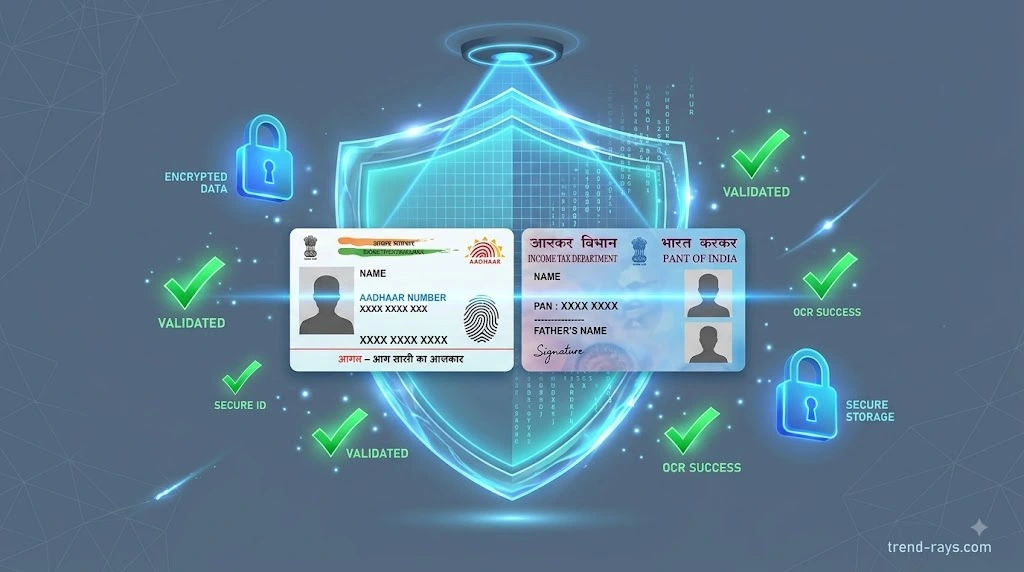
During the application, customers are asked to upload photos of their PAN card or recent salary slips. Banks use automated OCR (Optical Character Recognition) software to read these documents. If the PAN card photo is slightly blurry due to bad lighting, or if the customer uploads a salary slip from three months ago instead of the most recent month, the automated system flags it as fraudulent and rejects it.
How to Fix This
1.Check Lighting and Glare:
Advise your customer to place their PAN card on a flat, dark surface in a well-lit room before taking the photo, ensuring there is no flash glare obscuring the text.
2.Verify Document Dates:
If the product requires income proof, double-check with the customer that they are uploading their absolute most recent month’s salary slip or their latest filed ITR, not outdated documents.
What to Do If Your Lead is Stuck on “Pending” for 14 Days
If your customer completed all steps perfectly, but the lead is still pending after two weeks, you must escalate it. Both GroMo and BankSathi feature a Raise Dispute ticketing system. To win a dispute, gather these three details from your customer:
- Their full legal name (as per PAN).
- The exact mobile number they used to apply.
- The Application Reference Number (ARN) generated by the bank at the end of the process.
Submit these details through the app’s help section, and the aggregator will cross-check the ARN directly with the bank’s backend.
Frequently Asked Questions (FAQ)
Does a rejected lead affect my customer’s CIBIL score?
Yes. If a customer applies for a credit card or personal loan and is rejected, it counts as a “hard inquiry” on their credit report, which can temporarily drop their CIBIL score by a few points. This is why pre-qualifying them with the app’s checker is crucial.
Can a customer re-apply if their lead is rejected?
Usually, no. Most banks have a “cool-off” period. If an application is rejected due to a low CIBIL score or pin code mismatch, the customer must wait 3 to 6 months before applying for the same product again.
How long does BankSathi or GroMo take to update a pending lead?
Lead tracking is not instantaneous. While clicks track immediately, successful conversions or rejections can take anywhere from 48 hours to 7 business days to reflect on your dashboard, depending on how fast the partner bank reports back to the aggregator app.