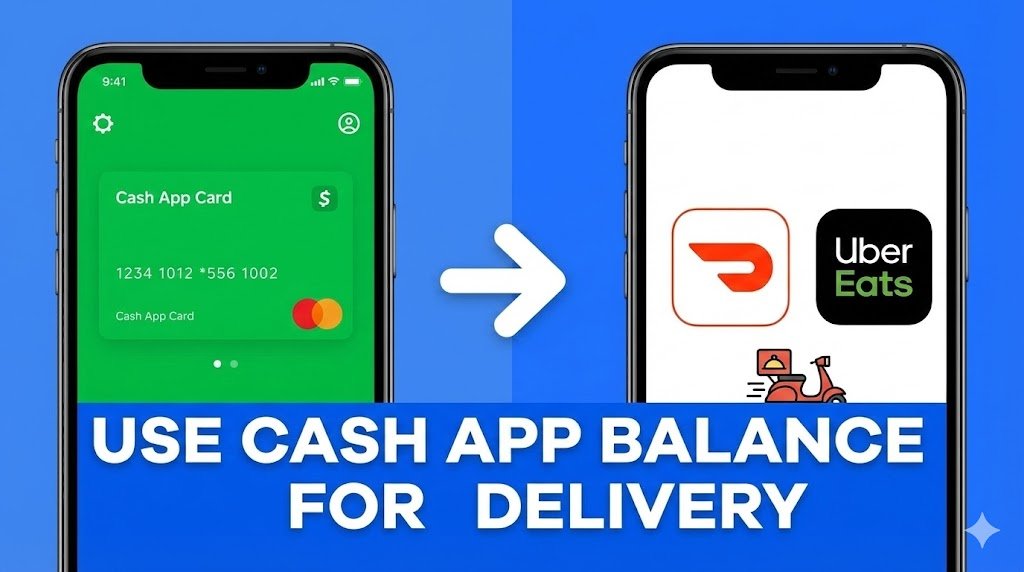
If you are one of the 50 million users who keep their spending money in Cash App, you might have noticed a problem: neither DoorDash nor Uber Eats has a direct “Pay with Cash App” button at checkout for most users.
However, you can use your Cash App balance to order food. In fact, in 2025, it is one of the most reliable ways to order delivery without a traditional bank account.
Here is the complete guide on how to bridge the gap between your Cash App balance and your dinner.
Method 1: The “Cash App Card” Trick (Works 100% of the Time)
The most effective method is not a “hack”—it’s using the free Visa debit card that comes with your account.
- Why it works: DoorDash and Uber Eats see the Cash App Card as a standard Visa bank card.
- How to set it up:
- Open DoorDash/Uber Eats.
- Go to Account > Payment Methods.
- Select “Add Card”.
- Enter the 16-digit number, expiration, and CVV from your Cash App Card tab.
- Important: Ensure your Cash App balance covers the entire total (including the temporary authorization hold, which can be 10-15% higher than the bill). If you are $1 short, the transaction will decline immediately.
Method 2: Cash App Pay (New for 2025)
While DoorDash is still rolling this out, Domino’s has officially integrated “Cash App Pay.”
- How to use it: When ordering on the Domino’s app, select “Cash App Pay” at checkout. It will automatically open your Cash App to authorize the payment—no card number required.
- Future Outlook: Look for this button to appear on more platforms like Grubhub later this year as Block (Cash App’s parent company) expands its partnerships.
Method 3: The Gift Card Workaround
If you don’t have the Cash App Card, you can still use your balance.
- Open Cash App and go to the search bar.
- Search for “DoorDash” or “Uber Eats.”
- Buy a digital gift card instantly within the app.
- Copy the code and redeem it in the food delivery app.
Pro Tip: This method is excellent for budgeting. By buying a $25 gift card, you strictly limit your spending, unlike a linked card which might tempt you to overspend.
Read More: If you prefer paying with physical currency, check our guide on Food Delivery Apps That Accept Cash to see which services let you pay at the door.