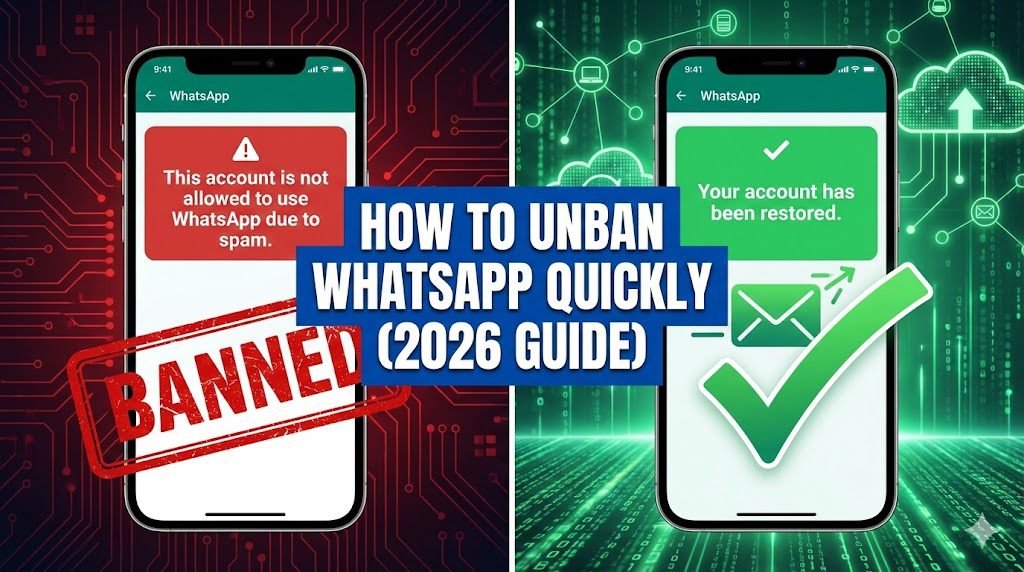
Did you wake up to the terrifying message: “This account is not allowed to use WhatsApp”?
You are not alone. In 2026, WhatsApp’s AI spam filters have become incredibly aggressive. Thousands of real users (not just spammers) are getting banned daily for simple things like forwarding too many memes or using third-party tools.
Don’t panic. Most bans are temporary and can be fixed in less than 24 hours if you send the right email.
In this guide, we reveal the 3 Proven Appeal Scripts that work in 2026, plus a “Backdoor” method using WhatsApp Business.
Step 1: Diagnose Your Ban (Temporary vs. Permanent)
Before you send an email, check which ban you have.
1. The “Temporary” Ban (Timer Visible)
- Message: “You are temporarily banned from WhatsApp for 24 hours.”
- Cause: You are likely using GBWhatsApp, WhatsApp Plus, or an unofficial extension.
- The Fix: Do not appeal. Just uninstall the fake app, install the official WhatsApp from the Play Store, and wait for the timer to hit 00:00.
2. The “Permanent” Ban (No Timer)
- Message: “This account is not allowed to use WhatsApp due to spam.” or “Your phone number is banned. Contact support for help.”
- Cause: Bulk messaging, being blocked by 5+ people in an hour, or suspicious group behavior.
- The Fix: You must use the Appeal Scripts below.
Step 2: The “Magic” Appeal Scripts (Copy & Paste)
Most people fail because they send angry emails like “Unban me now!”. This gets you ignored by the support bot. You need to sound professional and confused.
Choose the script that matches your situation.
Method A: The “I Made a Mistake” Script (Best for First-Time Bans)
To: support@whatsapp.com
Subject: My Whatsapp number has been banned by mistake
Dear WhatsApp Support Team,
My WhatsApp account associated with the number [Enter Your Number with Country Code, e.g., +91 99999XXXXX] has been banned.
I believe this is an error. I am a genuine user and I use this account to communicate with my family and local community. I have not used any automated tools or bulk messaging software.
It is possible that I was added to a suspicious group without my consent, which triggered your spam filters. I have reviewed the Terms of Service and will ensure strict compliance in the future.
Please review my account and restore it as soon as possible.
Thank you.
Method B: The “Apology” Script (If You Used GBWhatsApp)
To: support@whatsapp.com, android_web@support.whatsapp.com
Subject: Request to restore account – Unofficial App Removed
Dear WhatsApp Team,
I am writing to appeal the ban on my number [+91 XXXXXXXXXX].
I was previously unaware that using third-party apps (like GBWhatsApp) violates your Terms of Service. I sincerely apologize for this mistake.
I have now completely uninstalled the unauthorized app and downloaded the official version from the Google Play Store. I promise to only use the official app from now on.
Please give me a second chance to restore my account.
Regards, [Your Name]
To look more professional and avoid flags, use a proper business link. Create one using our WhatsApp Link Generator.
Method C: The “Business” Angle (High Success Rate)
To: smb_web@support.whatsapp.com
Subject: Business Account Suspended – Urgent Appeal
Hello Support,
My business number [+91 XXXXXXXXXX] has been flagged and banned.
This number is critical for my small business operations. We reply to customer inquiries manually and do not use any automation. The sudden ban is causing severe financial loss to my business.
I request a manual review of my chat logs to prove that we are compliant with the WhatsApp Business Policy.
Awaiting your quick response.
Step 3: The “In-App” Request (Crucial Step)
Sending an email is good, but you must also trigger the review inside the app.
- Open WhatsApp (Official Version).
- Enter your banned number.
- You will see a button: “Request a Review”.
- Paste this short text in the box:“I have not violated any terms. I suspect my account was flagged by mistake due to a high volume of festive greetings. Please review.”
- Submit. Reviews usually take 6-24 hours.
Step 4: The “Backdoor” Method (If Appeals Fail)
If your number is still banned after 48 hours, try this trick. It doesn’t work for everyone, but it saves about 40% of accounts.
- Wait 60 Days: WhatsApp deletes inactive account data after 60 days. If you can wait, the server might reset your flag.
- The “Business” Switch:
- Uninstall regular WhatsApp.
- Install WhatsApp Business.
- Try to register with the banned number.
- Sometimes, the Business API has a different ban list than the personal app, and it might let you in.
Pro Tip: How to Prevent Future Bans
Once you are unbanned, your account is on “Probation” (low trust score) for 30 days.
- Don’t send messages to unsaved contacts for 7 days.
- Don’t join more than 1 new group per day.
- DO ask 3-4 friends to save your number and message you first. This restores your “Trust Score.”
Related Guide: Sending bulk messages got you banned? Read our Safety Cheat Sheet for Bulk Sending to learn the safe limits for 2026.
FAQ (Frequently Asked Questions)
Q: How long does it take for WhatsApp to unban my number after appealing?A: It varies based on the severity of the flag. If your appeal is successful, the ban is typically lifted within 6 to 24 hours. However, during weekends or for complex cases, it might take up to 48-72 hours for a response.
Q: Can I get unbanned if I was using GBWhatsApp or WhatsApp Plus?A: Yes, but it requires honesty. You must first completely uninstall the unauthorized app and install the official WhatsApp from the Play Store. Then, send appeal script “Method B” (above) admitting the mistake and promising to use only the official app moving forward.
Q: What is the best official email address for unban requests?A: For standard personal accounts, send your appeal to support@whatsapp.com. If you were using a Business account, use smb_web@support.whatsapp.com as it often gets routed to a specialized team.
Q: My account was restored, but got banned again immediately. Why?A: Once unbanned, your account is on “probation” with a very low trust score for about 30 days. If you immediately start sending bulk messages or joining many groups, the AI will ban you again instantly. You must use the account very normally (messaging saved contacts only) for a few weeks to rebuild trust.