Introduction
There is nothing worse than recording a perfect take, only to play it back and hear that your voice is slightly behind the beat.
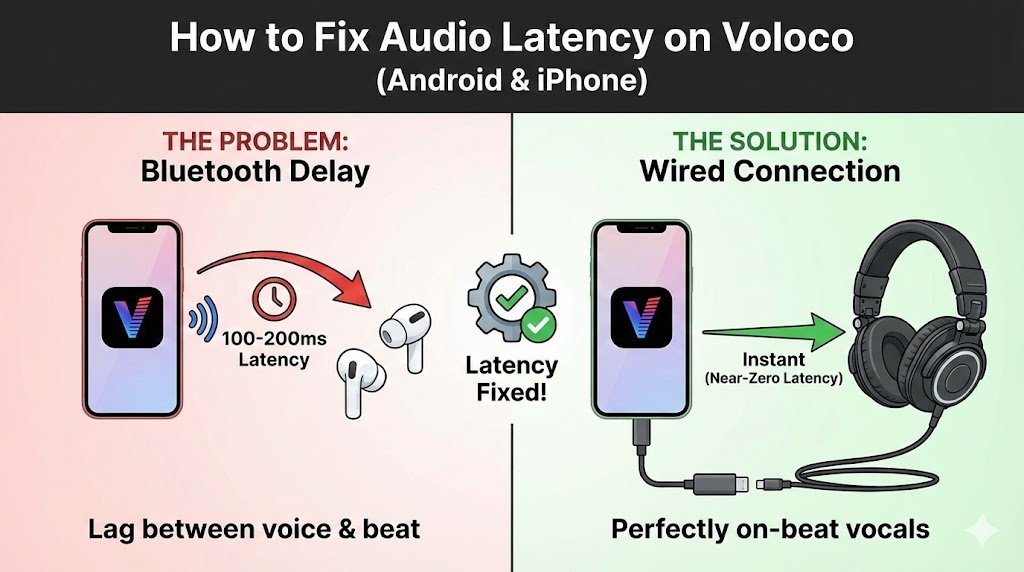
This is called Audio Latency, and it is the #1 problem for mobile recording artists. The good news? It is usually not your phone’s fault—it’s your settings. Here is how to fix the delay in Voloco on both Android and iPhone. Find the best voloco settings for your device read our full guide on best voloco settings and tune your settings as per your requirements.
Step 1: The Hardware Fix (The “Golden Rule”)
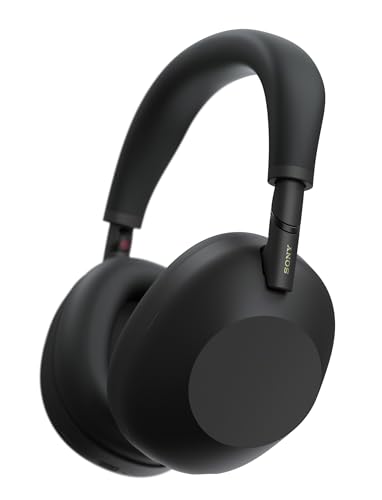
Stop using Bluetooth headphones. Bluetooth technology naturally has a delay of 100ms to 200ms to transmit audio from your phone to your ears. Voloco cannot magically erase this physical limitation.
- The Fix: Use wired headphones. Even a cheap pair of wired earbuds will instantly reduce your latency to near zero.
- Need a recommendation? Check our list of Best Budget Headphones for Mobile Recording.
Step 2: The Software Fix (Vocal Sync)
If you must use Bluetooth (or if your Android phone has internal lag), use the “Vocal Sync” tool.
- Record your verse (ignore the delay while singing).
- Tap the Mixer icon (bottom right).
- Select your vocal track.
- Tap “Vocal Sync” (or “Time Shift”).
- Slide the track left (negative numbers).
- For Bluetooth: Try -150ms to -200ms.
- For Wired (Android): Try -20ms to -50ms.
Step 3: Android Calibration (Voloco 9.6+ Update)
If you are on Android, Voloco has a hidden tool specifically for this.
- Go to Settings.
- Look for “Audio Latency Calibration” (only appears if Bluetooth is connected).
- Voloco will play a “beep.” Tap the screen exactly when you hear the beep.
- The app will calculate your specific device lag and automatically adjust your future recordings.
Step 4: Turn Off Monitoring (The “Echo” Fix)
If you hear your voice echoing in your ear while recording and it’s distracting you:
- Tap the Headphones Icon on the recording screen to toggle “Monitoring” OFF.
- Note: You won’t hear the auto-tune live, but your recording will still have the effect applied when you play it back.
Summary
Latency is annoying, but fixable. Always prioritize wired headphones for the best experience. Once your timing is locked in, you are ready to start mixing. Head over to our Master Guide: How to Use Voloco to learn which effects to use on your now-perfectly-synced vocals.