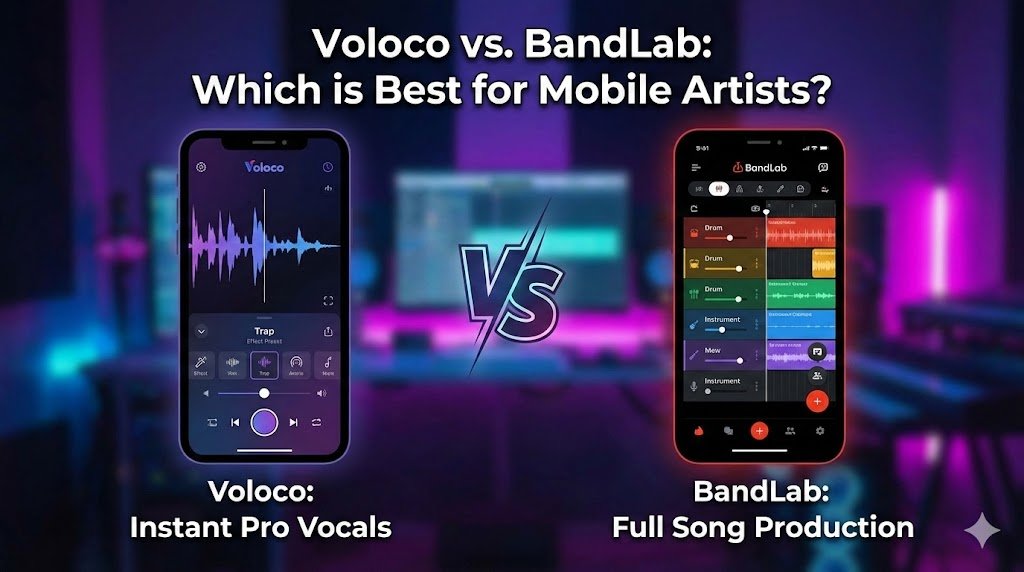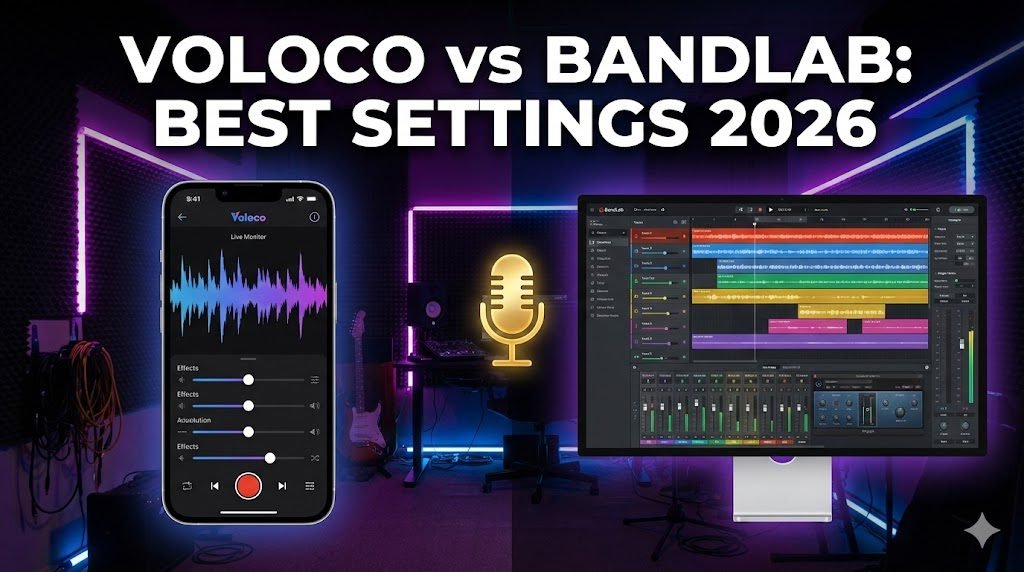
Voloco is not just a “toy” for making funny voices. In 2026, it is the most powerful Real-Time Vocal Processor for Android and iOS.
While apps like BandLab offer a full studio, Voloco does one thing better than anyone else: It lets you hear the auto-tune while you sing (Real-Time Monitoring).
Whether you are a Soundcloud rapper, a bedroom pop singer, or a YouTuber looking for crisp audio, you are likely using the wrong settings. 90% of users sound “robotic” because they stick to the default.
Here is the Ultimate Guide to Voloco Presets, hidden features, and how it stacks up against the competition.
Quick Start Cheat Sheet: Voloco Settings by Genre
Getting the perfect vocal tone depends on the style of music you are making. If you are trying to figure out how to use Voloco on Android or iOS, here are the exact parameter starting points to dial in your sound:
- Modern Rap / Trap: Set the Key to match your beat, choose the “Hard Tune” preset, and push the Mix to 100%. This gives you that classic, robotic pitch-correction sound.
- R&B / Pop: Use the “Natural Tune” preset. Drop the Mix to around 60-75%. This smoothly corrects your pitch without making it sound artificial.
- The “Voloco Gold Macro” Effect: For heavily stylized vocals, layer the “SuperVocoder” effect with a medium Reverb and a fast Delay to create a wide, atmospheric sound.
Part 1: The “Golden Settings” for Every Artist Type
Stop guessing. Here are the exact slider configurations for your specific style.
1. The “Travis Scott” (Modern Trap/Rap)
- The Vibe: Heavy, electronic, distorted pitch correction.
- Effect: Hard Tune or Modern Rap I (Triple Double).
- Key/Scale: Minor (Crucial for dark trap beats).
- Pitch Correction Strength: 100% (Max it out).
- Reverb: Large Hall (Set slider to 40%).
- Compressor: Rap (Aggressive attack to level out shouting).
- Pro Tip: Hold the phone mic very close to your mouth (proximity effect) to get that deep bass voice.
Once you record your track, you’ll want to share it. If you have trouble uploading it to Reels, check our fix for Instagram music not available in your region.
2. The “Bedroom Pop” (Justin Bieber / Arianna Style)
- The Vibe: Clean, polished, and professional. No robotic glitches.
- Effect: Natural Tune.
- Key/Scale: Major (Matches 90% of pop songs).
- Pitch Correction Strength:55% – 65%.
- Warning: Never go above 70% for pop, or you will lose the emotion in your voice.
- Reverb: Stereo Width (Slider at 15% – just enough to widen the vocal).
- Compressor: Pop (Light compression).
3. The “R&B Smooth” (The Weeknd / SZA Style)
- The Vibe: Atmospheric, echoey, and wide.
- Effect: P-Tain (Classic R&B) or Harmonies (Unison).
- Pitch Correction: 80%.
- Reverb: Cathedral (Slider at 50% for that “singing in an empty church” sound).
- FX: Enable “Seven Chords” if available to add instant harmonies.
4. For YouTubers & Podcasters (The “Crisp Voice” Setup)
Voloco isn’t just for music. Use it to remove background noise from your videos.
- Effect: Clean (From the “Starter” pack).
- Pitch Correction: 0% (Turn it OFF completely).
- Noise Reduction: ON (This is the magic button).
- EQ: Vocal Boost (Adds clarity/treble to spoken word).
- Compressor: Speech (Keeps volume consistent).
Voloco also has ‘Alien’ and ‘Demon’ voices. If you just want to mess with your friends, check out our list of Free Prank Call Websites for dedicated voice changers.
Part 2: Voloco vs. BandLab (The 2026 Showdown)
Why pay for Voloco Premium when BandLab is free? Here is the honest truth. Read our full comparison guide on Voloco vs Bandlab.
| Feature | Voloco | BandLab |
| Best For | Recording Vocals Fast | Producing Full Songs |
| Real-Time Effect | ✅ YES (Hear FX while singing) | ❌ NO (Applies FX after recording) |
| Latency (Lag) | Low (Best in class) | Moderate (Device dependent) |
| Editing | Basic (Vocal layering only) | Advanced (Full multi-track DAW) |
| Learning Curve | Easy (5 minutes) | Hard (Need music knowledge) |
| Verdict | Winner for Singers/Rappers who just want to record over a beat. | Winner for Producers who want to make beats from scratch. |
The Bottom Line: If you already have a beat and just want to rap/sing over it, Voloco is superior because you can hear the auto-tune in your headphones live, helping you hit the notes.
Part 3: Fixing the “Lag” (Latency)
Nothing ruins a recording like hearing your voice 0.5 seconds late.
- The Bluetooth Rule: Stop using AirPods. Bluetooth naturally has 150ms+ delay. Always use Wired Earphones.
- The Manual Fix: Go to Settings > Latency Fix > Auto-Calibrate.
- If that fails: Adjust the slider manually until the “beep” aligns with the visual grid.
Part 4: 2026 Hidden Features (Did You Know?)
- Voloco Producer (VST): You can now use Voloco as a plugin on your PC (FL Studio/Ableton).
- Lyrics Pad: Write your bars directly inside the app while the beat plays.
- Top Tracks: Voloco now has a “Spotify-style” feed. If your recording is good, you can get featured to millions of users.
Voloco is a powerful tool, just like the other apps we cover. Whether you are fixing a banned WhatsApp number or tuning vocals, using the right settings makes all the difference.
FAQ (Schema Optimized)
Q: Why does my voice sound robotic on Voloco?
A: You likely have “Pitch Correction” set to 100% or you selected the wrong Key/Scale for the beat. Reduce correction to 60% for a natural sound, or ensure the Key matches the instrumental.
Q: Is Voloco better than BandLab for rapping?
A: For recording vocals, yes. Voloco offers “Real-Time Monitoring,” meaning you hear the auto-tune effect in your headphones while you rap, which helps you stay in key. BandLab adds the effect only after you finish recording.
Q: Can I use Voloco for podcasts?
A: Yes. Use the “Clean” preset in the Starter pack. Turn Pitch Correction to 0% and enable “Noise Reduction” to get studio-quality spoken audio without the auto-tune effect.