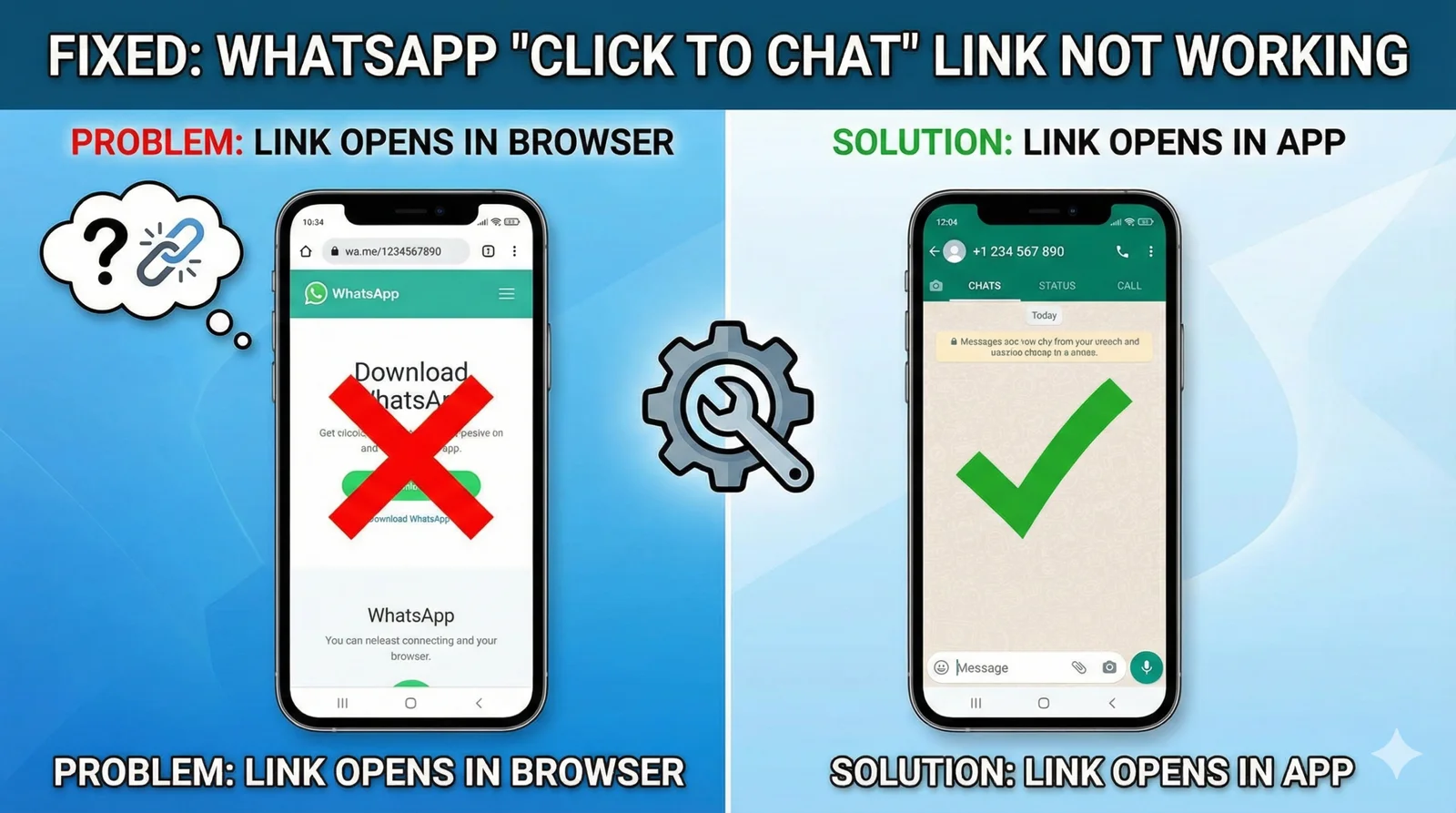
You clicked a wa.me link (or used our WhatsApp Link Generator) to quickly message someone.
But instead of opening the WhatsApp app directly, you are stuck on a Chrome or Safari page that says, “Download WhatsApp to continue,” even though you already have the app installed!
This is an incredibly frustrating and common bug, especially on newer versions of Android (12, 13, 14). It happens because your phone’s operating system has “forgotten” that it should use the WhatsApp app to handle these specific links.
Don’t worry, it’s a simple settings fix. Here is how to solve the broken “Click to Chat” feature in under a minute.
⚡ Quick Troubleshooting Checklist
- Check the URL Format: Are you using the correct international code without symbols?
- Android Fix (Most Common): Re-enable “Open Supported Links” in settings.
- Browser Fix: Clear your browser’s cache.
Method 1: The “Open Supported Links” Fix (Android 12+)
This is the #1 culprit on Samsung, Pixel, Xiaomi, and OnePlus phones.
Your phone needs express permission to open wa.me links inside the WhatsApp app. Sometimes, an update or a misclick disables this.
- Open your phone’s main Settings app.
- Go to Apps (or “Apps & Notifications”) > See all apps.
- Scroll down the list and find WhatsApp. Tap on it.
- Look for a section called “Open by default” or “Set as default”.
- Ensure the toggle for “Open supported links” is turned ON.
- Tap on “Add Link” (or “Supported web addresses”) and make sure both
wa.meandwhatsapp.comare selected/checked.
Now, go back and try clicking the link again. It should now jump straight into the WhatsApp chat screen.
Method 2: You Used the Wrong URL Format
If you manually typed the link instead of using a generator, you likely made a tiny formatting error. The WhatsApp API is very strict.
- ❌ WRONG:
https://wa.me/+91-9876543210(Do NOT use the plus sign+, dashes-, or brackets()). - ❌ WRONG:
https://wa.me/00919876543210(Do NOT use double zeros00for the country code). - ✅ CORRECT:
https://wa.me/919876543210(Only use the Country Code followed immediately by the Phone Number).
Still not sure? Stop typing it manually and use our Free WhatsApp Link Generator Tool to create a 100% working link every time.
Method 3: Reset App Preferences (The “Nuke” Option)
If Method 1 didn’t work, your phone’s default app settings might be corrupted. Resetting them will force your phone to ask you again which app to use.
- Go to Settings > Apps.
- Tap the 3-dot menu icon at the top-right corner.
- Select “Reset app preferences”.
- Tap Reset to confirm. (This won’t delete any app data, it just resets default settings like permissions and default apps).
- Now, click a WhatsApp link. Your phone should pop up and ask, “Open with WhatsApp or Chrome?”. Select WhatsApp and tap “Always”.
⚠️ Security Warning: Is That WhatsApp “Click to Chat” Link Actually Safe?
While fixing the link so it opens in your app is important, you must first ask yourself: Who are you actually messaging?
Because the wa.me feature is so convenient, it has become a favorite tool for cybercriminals and scammers. Fraudsters frequently use WhatsApp “Click to Chat” links in fake Instagram ads, spam emails, and SMS messages to bypass standard security filters.
If a WhatsApp link randomly opened in your browser and asked you to “Download WhatsApp” (even though you have it), it might be a technical glitch—but it could also be a red flag that the link is formatted suspiciously or hiding malicious code.
How Cyber Fraud via WhatsApp Links Works
Scammers use these links to initiate Social Engineering and Phishing attacks. By getting you to click the link and send the first message, you inadvertently hand over your active phone number, your profile picture, and your IP address.
Once the chat is open, scammers often deploy:
- Fake Job Offers: Offering part-time work clicking links or reviewing products.
- Crypto Investment Scams: Pretending to be trading experts offering guaranteed returns.
- Impersonation Fraud: Pretending to be customer support for a bank or delivery service like FedEx or UPS.
3 Ways to Spot a Fake WhatsApp Link Before You Click
Before you troubleshoot a broken link using the methods above, verify that the link isn’t a trap:
- Check the Country Code: Look closely at the numbers following
wa.me/. If you live in the US (+1) or the UK (+44), but the link routes to an unknown international code (like+234or+62) for a local service, do not click it. - Beware of URL Shorteners: Scammers hide fake
wa.melinks behind shorteners likebit.lyortinyurl.com. A legitimate business will usually display the clean, officialwa.me/orapi.whatsapp.com/domain. - Never Share OTPs: If a link opens a chat with a pre-filled message that says something like “I want to verify my account,” and the “business” immediately asks for a 6-digit SMS code, block them instantly. WhatsApp will never ask for your verification code via chat.
Pro Tip: If you realize you clicked a fraudulent link and started a chat, tap the contact’s profile inside WhatsApp, scroll to the bottom, and tap Report and Block. This helps WhatsApp ban the fake number.
🚀 Conclusion
A broken link can lose you a customer or frustrate a friend. By ensuring your phone settings are correct, you can enjoy seamless one-click chatting.
- Are you a business owner using these links? Make sure you are also using a Safe WhatsApp Bulk Sender for your marketing.
- Want to chat privately with new contacts? Learn how to View WhatsApp Status Anonymously without them knowing.