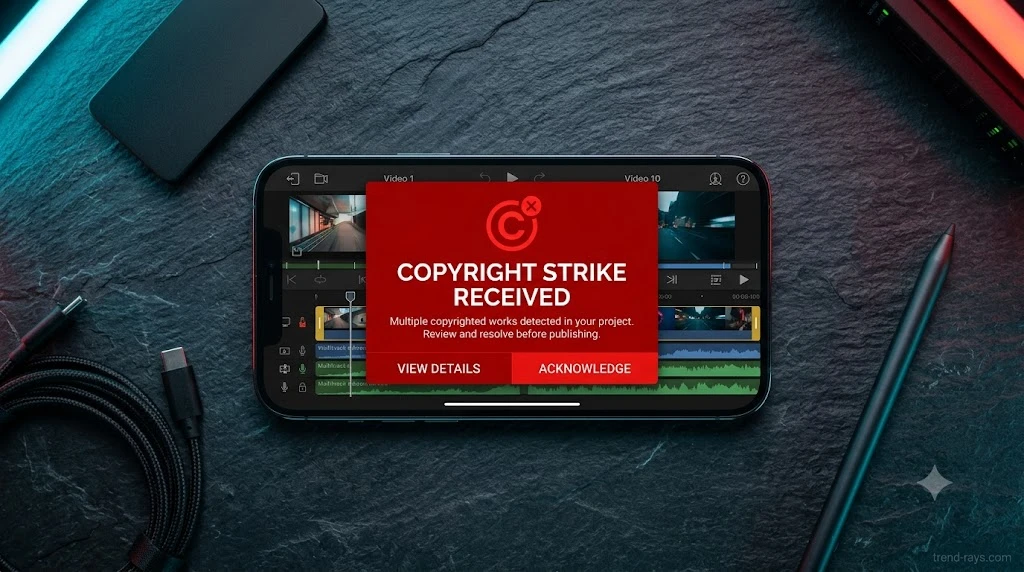
⚡ Quick Summary: The Copyright Trap
If you rely on CapCut’s “Commercial Use” audio library or AI voice generators for sponsored YouTube videos or Instagram Ads, you are violating copyright law. CapCut’s licenses are strictly tethered to the ByteDance ecosystem (TikTok). Exporting that “cleared” audio to external platforms triggers immediate YouTube Content ID strikes, resulting in seized ad revenue. To monetize safely, you must utilize the “Mute and Replace” workflow or invest in true cross-platform B2B licensing.
The Irresistible Utility: Why Creators Still Risk It
Before dissecting the legal liabilities, it is important to acknowledge why content creators are so attached to CapCut in the first place. CapCut is arguably the most powerful mobile editing engine on the market.
Features like one-click dynamic auto-captions, seamless auto-reframe for multi-platform delivery, and advanced speed-ramping are unmatched at its price point. It completely democratized high-end, rapid-fire editing. However, the exact feature that makes it so attractive—its all-in-one ecosystem of built-in music and AI voices—is exactly what exposes your channel to severe financial risk when you attempt to scale into commercial B2B work.
The “Cleared for Commercial Use” Illusion
The ByteDance Ecosystem Limitation (Reading the ToS)
The biggest misconception in the creator economy happens when an editor clicks the “Commercial” filter inside CapCut’s audio library. According to ByteDance’s Terms of Service, CapCut’s built-in music library is licensed exclusively for TikTok and CapCut. The “commercial use” labels inside the app refer only to commercial use on CapCut’s permitted platforms.
The moment your content crosses from personal expression into commercial territory on a non-ByteDance platform, CapCut’s library license no longer protects you.
Why YouTube Content ID Strikes Immediately
When a video leaves CapCut and enters Google’s servers, YouTube’s Content ID algorithm scans the audio waveform against global music databases. CapCut library tracks are registered with YouTube’s Content ID by their original rights holders—not by ByteDance. Uploading a commercial video with these tracks triggers automatic claims that immediately redirect all ad revenue to the original rights holder. Because Google does not share a cross-platform licensing agreement with ByteDance, the strike is instant and automated.
The Geopolitical Ban & The VPN Trap
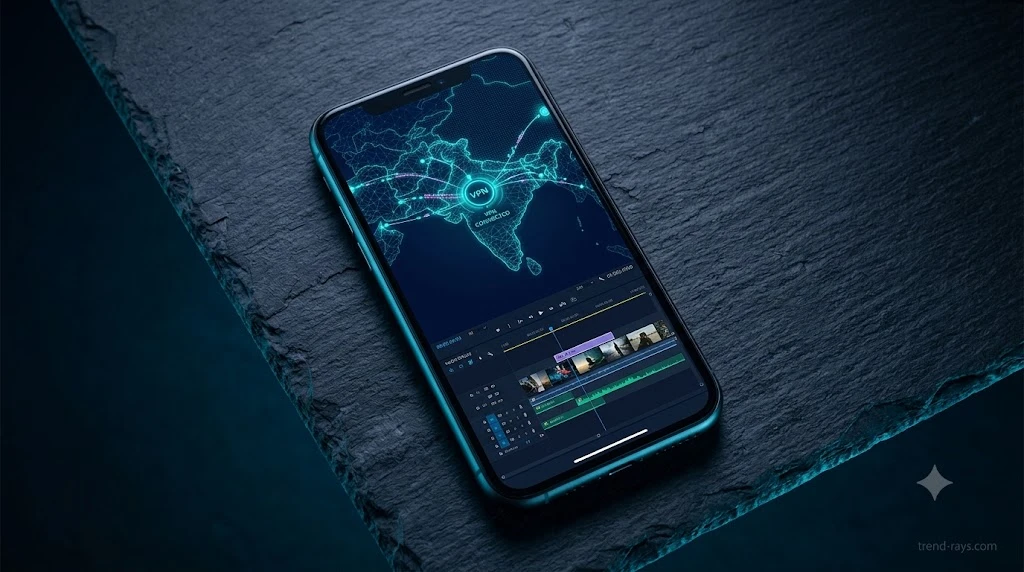
Navigating the copyright landscape is further complicated by where you live. CapCut was temporarily removed from US app stores under legislation in early 2025 (though later restored), and has been permanently banned in India since June 2020.
The Trap: In regions where the app is heavily restricted, creators often use Virtual Private Networks (VPNs) to download the app or access CapCut Pro features. According to international copyright law and platform ToS, if you bypass a regional ban using a VPN to access a platform, you instantly violate the Terms of Service. Therefore, any “Commercial License” you thought you obtained for that music or AI voice is legally null and void. A B2B brand cannot defend a copyright claim using an invalid license acquired via a VPN.
Interactive Tool: Cross-Platform Copyright Risk Checker
Copyright Risk Evaluator
The Hidden AI Voice Trap: Who Owns Your Clone?
The Biometric Data Clause
The copyright risk extends beyond background music into the new frontier of AI Voice Cloning. By agreeing to CapCut’s user agreement, users often grant the platform broad usage rights. The terms grant CapCut a perpetual, worldwide, and royalty-free license to use user content, including audio and voice recordings, for commercial use.
Corporate Compliance Failures (Why Agencies Cannot Use It)
Corporate marketing teams are strictly banned by internal IT from using CapCut’s AI voice cloning. Uploading a CEO’s voice to a consumer server violates strict data privacy laws (like GDPR or enterprise SOC-2 compliance). Because the platform’s ToS grants them rights to process biometric audio data globally, true businesses must use closed-loop, encrypted SaaS alternatives to remain legally compliant.
The Freelancer’s Dilemma (Client Liability)
If you deliver a commercial video to a client using CapCut’s stock music, the copyright liability typically falls on the production company or freelancer, not the client.
The Freelance Rule of 2026: Never deliver a final render to a B2B client containing native CapCut audio. If your client runs that video as a YouTube Pre-Roll ad and gets struck, the client will demand a refund or sue for breach of contract because you failed to secure true commercial broadcasting rights.
The Professional Workflow: Bypassing the Strike
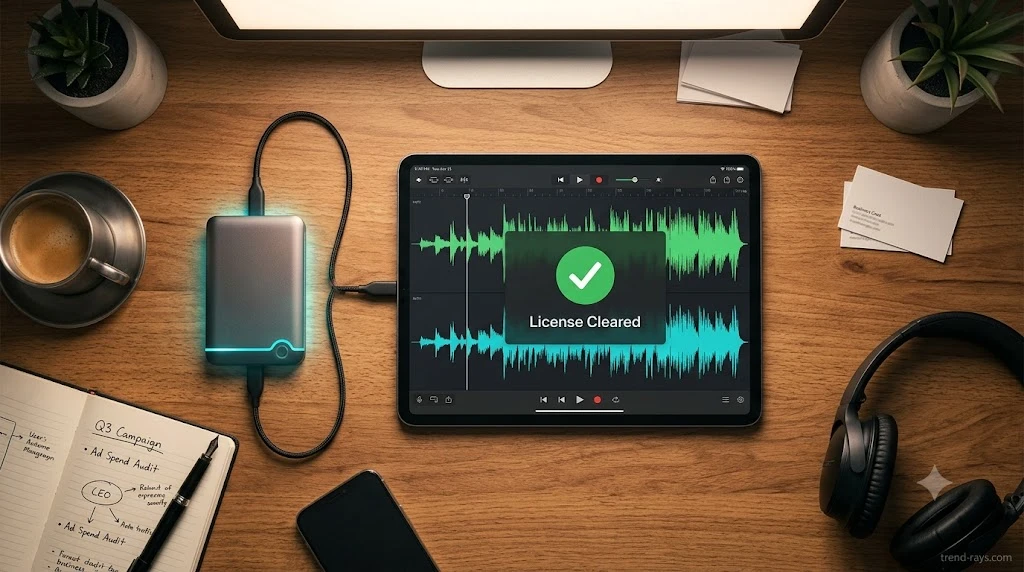
The “Mute and Replace” Method
For creators who refuse to give up CapCut’s visual editing power, here is the exact free workflow to remain compliant:
- Edit the Visuals: Edit the video completely in CapCut (visuals, auto-captions, transitions).
- Scrub the Audio: Mute the primary music and AI voice tracks.
- Export: Export the silent or strictly voice-over-only video.
- Replace: Upload to the YouTube Studio editor or Instagram Reels editor, and apply the platform’s native, legally cleared audio library before publishing.
Upgrading to True B2B SaaS Licensing (The Agency Stack)
For creators and agencies who need custom audio that travels anywhere without fear of strikes, you must migrate to a professional B2B stack:
- Music & SFX: Platforms like Epidemic Sound or Artlist provide true cross-platform clearance that protects videos even if a client uploads them directly to their own corporate website or uses them in broadcast television.
- AI Voices: Use platforms like ElevenLabs for enterprise-grade, copyright-secure voice generation that does not hold biometric data hostage under consumer ToS agreements.
FAQs: CapCut Commercial Licensing and YouTube
Can I use CapCut music on YouTube without getting a copyright strike?
No, not if the channel is monetized. While personal, unmonetized videos might slip by, CapCut library tracks are registered with YouTube’s Content ID by their original rights holders. Uploading them to a monetized channel will trigger an automatic claim that strips your ad revenue.
Is CapCut AI voice copyright free?
While you will not necessarily get a “music” strike for using the built-in AI voice, the commercial usage rights and biometric data belong to the platform. This makes it a severe legal liability for sponsored ad campaigns on Meta or Google.
How do I dispute a CapCut copyright claim on YouTube?
You will almost certainly lose the dispute because the CapCut commercial license does not legally extend to YouTube’s servers. You must rely on the “Mute and Replace” strategy to swap the audio using YouTube’s built-in sound library to remove the strike.
Conclusion: Separate the Editor from the Assets
💡 The B2B Reality: A $5,000 Client Mistake
Last year, a freelance video editor delivered a commercial package to a corporate client using a CapCut “Commercial” track. When the client ran the video as a YouTube Pre-Roll ad, it was instantly flagged and taken down by Content ID, halting a five-figure marketing campaign and nearly costing the editor their contract.
The Rule of Thumb for 2026: CapCut is a phenomenal video rendering engine, but it is a legal liability as an audio library. Edit the visuals in CapCut, but always source your audio externally.