⚡ Quick Summary: The Final Verdict
If you are editing heavy 4K 10-bit D-Log M drone footage on an iPad, the choice depends entirely on your hardware tier and color grading needs. If you are using an older iPad (or an 8GB RAM model) and need blazing-fast, crash-free cuts in the field, LumaFusion remains the undisputed king of mobile optimization. However, if you operate an M2 or M4 iPad Pro with 16GB of RAM and demand Hollywood-grade node color correction alongside seamless cloud syncing to a desktop PC, DaVinci Resolve for iPad is the ultimate mobile studio.
The UI Architecture: Native Touch vs. The Desktop Port
Before you transition from our master guide on the [Best Mobile Video Editing Apps for Creators] to a dedicated tablet workflow, you must understand the fundamental difference in how these two applications were engineered.
LumaFusion: The Touch-First Magnetic Timeline
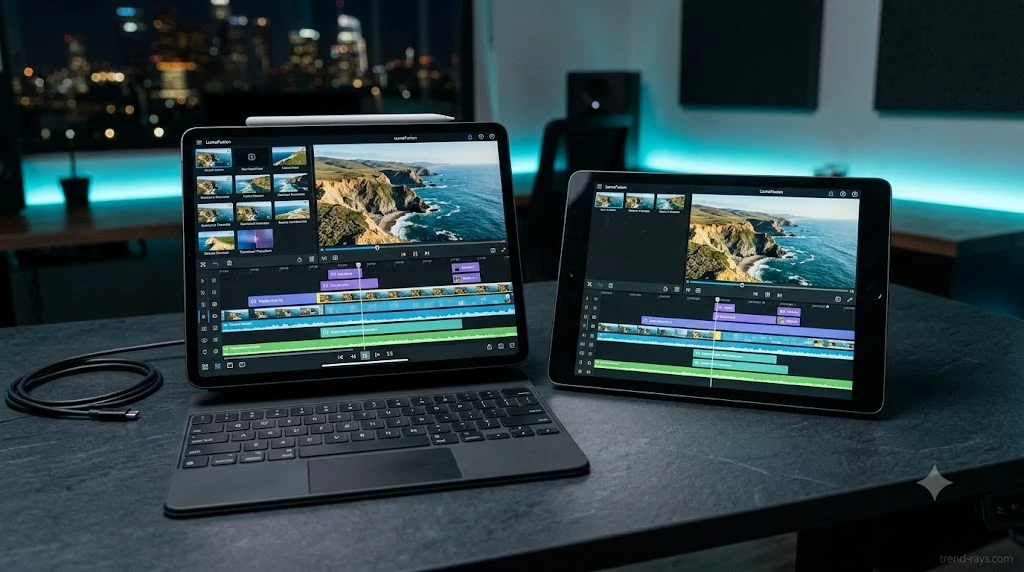
LumaFusion was built from the ground up specifically for iOS touchscreens. It relies on a magnetic, structured timeline (supporting up to 6 video/audio tracks) that naturally snaps clips together. This prevents accidental gaps and makes editing with your thumbs incredibly fast and intuitive. When you are sitting in the passenger seat of a car quickly compiling social media reels, its touch-first UI is mathematically faster to navigate.
DaVinci Resolve: The Desktop Clone
Resolve for iPad is not a watered-down mobile app; it is the Blackmagic desktop studio code ported directly to iPadOS. It utilizes the classic Cut and Edit pages. While this offers massive desktop-level power, the UI is dense. It strongly favors creators using an Apple Pencil or Magic Keyboard, as precise timeline trimming with fingers can feel cramped and frustrating.
Interactive Tool: iPad Render RAM Bottleneck Estimator
📱 iPad Editing Compatibility & RAM Bottleneck Checker
Select your iPad hardware tier, drone footage codec, and preferred editing app to estimate RAM pressure and export crash risk in real-time.
The 10-Bit Color Grading Showdown
LumaFusion’s Layered LUT Limitations
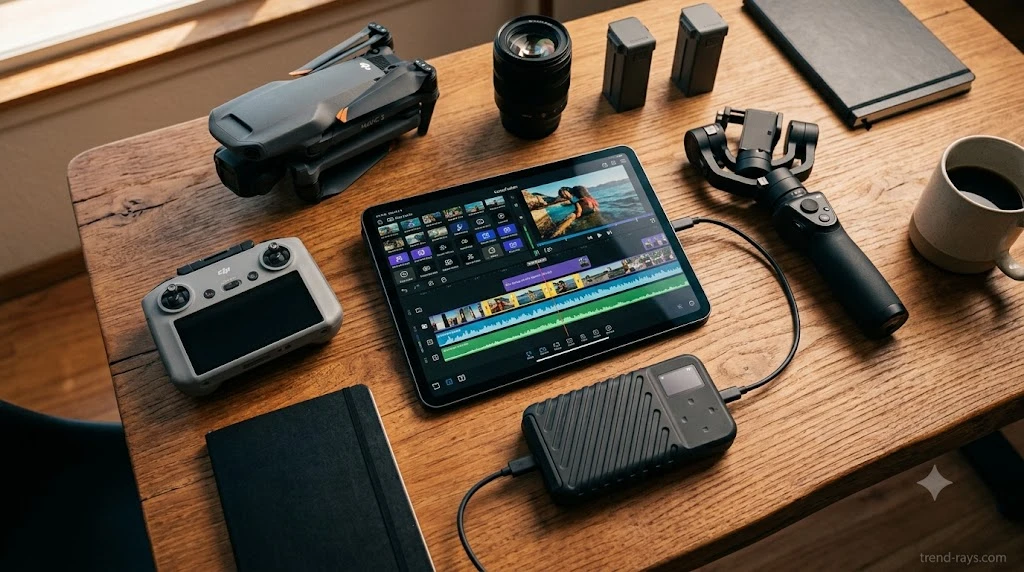
LumaFusion handles basic 10-bit color correction well, offering standard wheels, sliders, and support for importing custom LUTs. However, for complex drone footage with blown-out skies or mixed lighting, its layered approach lacks precise masking. You cannot easily isolate just the sky or track a moving subject through a frame without tedious manual keyframing.
DaVinci Resolve’s Node-Based Engine (The Studio Advantage)
This is where Resolve destroys the mobile competition. It brings the exact same node-based color engine used in Hollywood directly to the iPad. You gain access to Power Windows, Tracker nodes, and the AI-driven Magic Mask (in the paid Studio version). If you shoot in DJI’s D-Log M profile and want to push the 10-bit color data to its absolute limit, LumaFusion simply cannot compete with this level of architectural depth.
Hardware Benchmarks: The 8GB RAM Export Trap
Why 8GB iPads Crash on DaVinci
Here is the dirty secret of DaVinci Resolve for iPad: it is a massive RAM hog. If you attempt to export a complex, 20-minute 4K 10-bit timeline with heavy noise reduction on a base-model iPad Air or Pro (which are limited to 8GB of RAM), DaVinci Resolve will frequently trigger memory timeout errors and crash midway through rendering.
LumaFusion’s Supreme Optimization
Because LumaFusion is so tightly optimized for the iOS ecosystem, it can effortlessly render heavy 4K 60fps drone footage even on older A12Z processors without breaking a sweat. It rarely crashes, making it the safer choice if you cannot afford the premium for a 16GB RAM M-series iPad.
Speed Ramping and Cloud Workflows
The Speed Ramping Discrepancy
A major limitation of LumaFusion for drone pilots is its handling of speed ramping. While it can speed up clips up to 6x, it lacks a native, fluid speed ramp curve tool. DaVinci Resolve, however, includes full desktop-level speed ramping on the Edit page, allowing for buttery-smooth hyper-lapse transitions that feel cinematic rather than robotic.
The Blackmagic Cloud Integration vs. The Offline Sandbox
DaVinci Resolve offers seamless project sharing through Blackmagic Cloud. You can start cutting your drone footage in the field on your iPad, and instantly pick up the exact timeline on your desktop PC at home.
By contrast, LumaFusion is the ultimate offline sandbox—perfect for when you are following our [Off-Grid Creator Stack storage workflow] deep in the mountains. However, moving a LumaFusion project to a desktop NLE (like Premiere Pro) requires an XML export, which can sometimes break complex effects or text layers.
Which App Fits Your Editing Persona? (Use-Case Breakdown)
Technical specs only tell half the story. The right app depends entirely on your production environment, your client demands, and how you operate in the field.
1. The Solo Content Creator & Travel Vlogger
The Winner: LumaFusion If you are a solo YouTuber or travel vlogger shooting with a DJI Air 3S and a mirrorless camera, speed and battery life are your lifelines. You do not have time to sit at a desk with an Apple Pencil. You are editing in airports, in the passenger seat of a car, or in a tent. LumaFusion’s touch-first magnetic timeline allows you to assemble an A-roll and B-roll cut using just your thumbs in half the time it takes on Resolve. Its hyper-efficient iOS optimization drains significantly less battery, which is critical when you are off the grid.
2. The Commercial Freelancer
The Winner: DaVinci Resolve for iPad If you are being paid by corporate clients or agencies for commercial drone work, LumaFusion will eventually bottleneck your workflow. Freelance client work requires endless revisions, precise color matching, and seamless hand-offs. DaVinci Resolve connects directly to the Blackmagic Cloud. You can start the rough cut on your iPad while traveling back from the shoot, and open the exact project on your desktop PC at home to apply final VFX, heavy noise reduction, and client exports.
3. The Wedding Videographer & Event Editor
The Winner: A Hybrid Approach Wedding videographers deal with massive amounts of footage—often hundreds of 4K clips from multiple cameras.
- For Same-Day Edits (SDEs): If you are sitting in the corner of a reception hall desperately trying to cut a 60-second teaser before the event ends, LumaFusion is superior. Its touch-friendly multi-track UI lets you slap together a fast, emotional cut in minutes.
- For the Final Delivery: When you need to color-match aerial drone footage to your ground cameras across a 10-minute cinematic highlight film, you need DaVinci Resolve. Its Hollywood-grade node color engine allows you to fix blown-out skies and isolate subjects in a way LumaFusion simply cannot achieve.
FAQs: iPad Video Editing for Drone Creators
Is DaVinci Resolve for iPad better than LumaFusion?
DaVinci Resolve is better for advanced color grading and desktop cloud-syncing, making it ideal for professional studio workflows. However, LumaFusion is better for raw timeline performance, battery efficiency, and touch-first usability on older hardware.
Can you do speed ramping in LumaFusion?
Yes, but with limitations. LumaFusion allows you to adjust clip speeds up to 6x, but it lacks a dynamic curve editor. You have to manually slice clips and adjust speeds in blocks, whereas DaVinci Resolve features native, bezier-curved speed ramping tools directly on the timeline.
Which iPad is best for editing 4K 10-bit drone footage?
An M4 iPad Pro with 16GB of RAM is the ultimate tier for running DaVinci Resolve flawlessly without export crashes. However, if you are using LumaFusion, the app is so highly optimized that you can edit 4K 10-bit footage smoothly on a standard M1 iPad Air or even an older A14 bionic chip.
Conclusion: Which App Belongs in Your Off-Grid Stack?
💡 A Real-World Experience: The M1 Battery Drain
During a recent project mapping out architectural ruins in Uttarakhand, I attempted to color-grade a heavy D-Log M timeline in DaVinci Resolve on a base M1 iPad Air in the field. Not only did the UI feel cramped without a mouse, but the active RAM load drained my battery from 100% to 20% in just under an hour. I switched the same raw footage into LumaFusion, finished the rough cut using just my thumbs, and exported it with 40% battery to spare.
The Final Purchase Advice: Buy LumaFusion for $29.99 if you want a reliable, crash-free, touch-first experience that will not kill your battery in the field. Download DaVinci Resolve (it is free for the base version) only if you need desktop-level node color grading and have the 16GB RAM hardware required to actually support it.