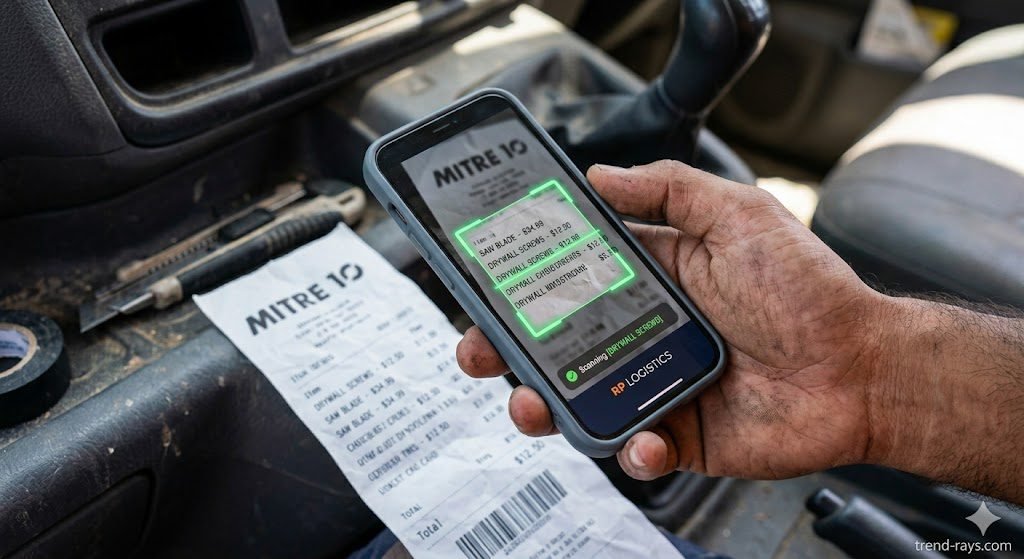
If there is one universal truth in the Australian trade sector, it is this: paper receipts are where profit margins go to die. Between faded thermal Bunnings receipts baking on the dashboard of your Hilux and chasing apprentices for lost fuel dockets, manual expense tracking is a nightmare.
Every receipt you lose is a legitimate tax deduction you miss out on. If you are still handing your accountant a shoebox full of crumpled paper at the end of the financial year, you are literally throwing money away.
Fortunately, the days of manual data entry are over. Here is the brutally honest breakdown of the top 5 automated receipt tracking apps that integrate flawlessly with Xero and MYOB, ensuring you capture every single cent of your expenses.
The Financial Angle: Why the ATO Loves Digital Receipts
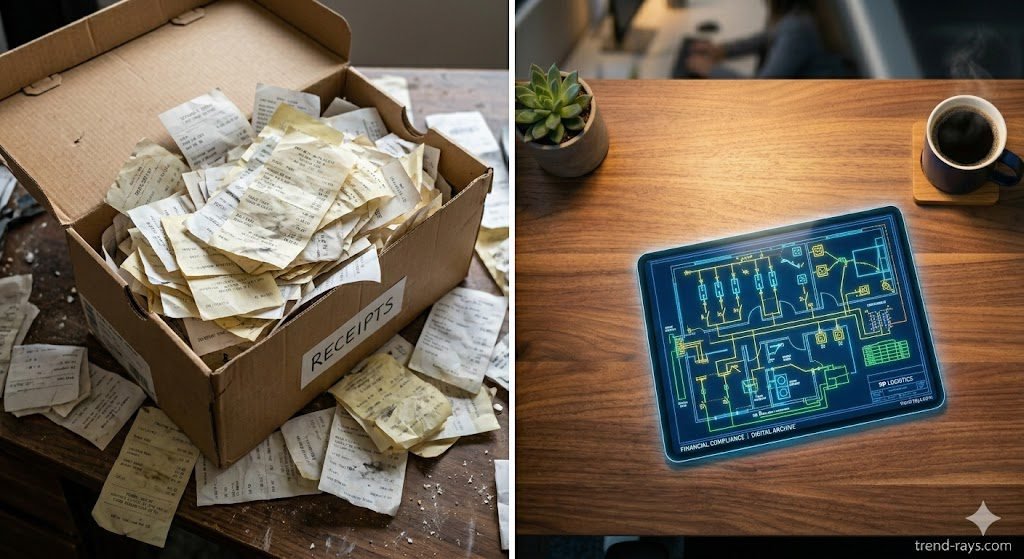
Before looking at the software, you need to understand the compliance angle. A massive point of anxiety for tradies is whether they need to keep the physical paper receipt just in case they get audited.
The short answer is no. The Australian Taxation Office (ATO) legally accepts clear, digital photographs of receipts and tax invoices. Once a receipt is scanned and pushed into your accounting software via one of the apps below, it serves as an official, compliant record. You can confidently throw the thermal paper straight into the bin.
How Automated Receipt Scanners Protect You During an ATO Audit
The number one reason accountants push tradies to use expense apps is audit protection. If the Australian Taxation Office (ATO) audits your business, they will demand supporting documentation for every deduction you claimed.
If you claimed a $1,500 new drop saw, but the physical thermal receipt faded over the last 12 months, the ATO can deny that deduction. Automated scanner apps instantly extract the data and attach the digital image permanently to the transaction in Xero or MYOB. When EOFY (End of Financial Year) rolls around, your accountant has a bulletproof, ATO-compliant digital paper trail for every single tool, protective clothing purchase, and material cost.
Seamless BAS Reporting and GST Extraction
Filling out your quarterly Business Activity Statement (BAS) usually means spending your Sunday trying to separate the GST from the total cost on hundreds of hardware store invoices. Premium receipt trackers use Optical Character Recognition (OCR) to automatically extract the GST amount from the receipt and map it to the correct tax code in Xero. When your bank feed updates, the software auto-matches the receipt to the bank transaction, meaning your BAS is essentially prepared in the background while you are on the tools.
At a Glance: Top 5 Expense Apps for Trades
| App | Best For… | Standout Feature | Starting Price (AUD) |
| Hubdoc | Solo operators already using Xero | 100% Free (included in Xero) | Free with Xero |
| Dext Prepare | Muddy, crumpled, or faded receipts | Unmatched OCR (text reading) tech | ~$27/month |
| Expensify | Teams managing multiple vans | Automated approval workflows | ~$8/user/month |
| AutoEntry | Complex supplier invoices | Line-by-line data extraction | Pay-per-scan credits |
| Lightyear | Large trade agencies & builders | Deep purchasing & approvals | ~$140/month |
1. Hubdoc: The Best Free Option for Xero Users
If you are a sole trader or a small partnership and you already pay for a standard or premium Xero subscription, stop paying for extra expense software immediately. Xero acquired Hubdoc a few years ago and now includes it for free.
- How it works: You download the Hubdoc app to your phone. When you buy a coffee or hardware, you snap a photo of the receipt. Hubdoc extracts the date, amount, and supplier, and automatically pushes a draft bill directly into Xero with the photo attached.
- The Pros: It is completely free if you use Xero, making it the undisputed champion for budget-conscious businesses.
- The Cons: Its Optical Character Recognition (OCR) is decent, but it can struggle with heavily crumpled or mud-stained receipts compared to premium alternatives.
The Free Government Alternative: ATO myDeductions App
If you are a very small sole trader and don’t use premium accounting software like Xero or MYOB yet, the ATO provides a completely free app called “myDeductions”. It allows you to securely track your expenses throughout the year and store photographic copies of your receipts. At tax time, you can email this data directly to your tax agent or upload it straight into your myTax return. It lacks the heavy automation of Dext or Hubdoc, but it is a perfect, compliant starting point for new apprentices or solo contractors.
2. Dext Prepare: The Best for Muddy, Crumpled Receipts
Formerly known as Receipt Bank, Dext Prepare is the gold standard for receipt extraction. If your receipts spend three days at the bottom of a tool bag before you remember to scan them, this is the tool you need.
- How it works: Dext has arguably the most powerful AI extraction engine on the market. It can read faded thermal ink, terrible handwriting, and damaged paper with shocking accuracy.
- The Pros: Unmatched accuracy. It also allows you to set up auto-forwarding rules (e.g., every time Reece or Tradelink emails you a PDF invoice, it automatically forwards to Dext, extracts the data, and pushes it to Xero without you lifting a finger).
- The Cons: It is an additional monthly cost on top of your accounting software.
3. Expensify: Best for Managing Apprentice Fuel Cards
If you have a growing team with four or five vans on the road, your biggest headache isn’t your own receipts—it is tracking your staff’s spending.
- How it works: Expensify is built for team management. You can issue company cards (or track personal reimbursements) and set strict rules. For example, if an apprentice buys $80 of diesel, the app automatically approves it. If they try to expense a $200 pub lunch, it flags it for your manual review.
- The Pros: Incredible workflow automation and policy enforcement for larger teams. It stops unauthorized spending in its tracks.
- The Cons: The pricing is per user, which can scale up quickly if you have a large team of subcontractors.
4. AutoEntry: Best for Line-by-Line Supplier Invoices
Taking a photo of a coffee receipt is easy, but what happens when a supplier sends you a massive, four-page invoice with 50 different line items of timber, copper, and PVC?
- How it works: AutoEntry specializes in complex data extraction. Instead of just grabbing the total amount, it can extract data line-by-line.
- The Pros: If you need to allocate different materials on a single invoice to different job tracking codes in Xero or MYOB, AutoEntry handles this heavy lifting automatically. You can also pay for credits as you go, rather than a fixed monthly subscription.
- The Cons: The interface isn’t quite as slick or modern as Dext or Hubdoc.
5. Lightyear: Best for Large Trade Agencies
If you are a massive electrical agency or a commercial builder dealing with hundreds of thousands of dollars in purchase orders every month, simple receipt snapping isn’t enough.
- How it works: Lightyear is an end-to-end accounts payable beast. It handles the entire purchasing workflow from the initial purchase order, through to delivery dockets, and final invoice reconciliation.
- The Pros: It boasts a 100% accurate data extraction guarantee and prevents duplicate bills, which is crucial when dealing with massive commercial supplier accounts.
- The Cons: Overkill (and overly expensive) for a standard 1-to-5 van trade business.
What About Vehicle Logbooks and Mileage Tracking?
Tracking your fuel receipts is only half the battle when it comes to vehicle costs. If you use your Hilux or Ranger for work purposes (like traveling between job sites or picking up supplies), you must maintain an accurate logbook to calculate your work-related travel deductions.
While receipt apps handle the fuel dockets, you should pair them with a dedicated GPS mileage tracker (like Xero Expenses or standalone apps like MileIQ). This ensures you capture both the exact cost of the fuel and the compliant kilometer tracking required to maximize your vehicle deduction without claiming personal use.
Frequently Asked Questions (FAQ)
Is Hubdoc free with Xero in Australia?
Yes, Hubdoc is included for free with Xero Business Edition plans (Starter, Standard, and Premium) in Australia. You simply need to activate it from within your Xero dashboard.
What is the best alternative to Dext?
If you are looking for alternatives to Dext Prepare, AutoEntry is excellent for complex line-by-line extraction, while Hubdoc is the best budget-friendly alternative if you use Xero.
How do I scan Bunnings receipts into Xero?
The fastest way is to use a connected app like Hubdoc or Dext. You snap a photo of the Bunnings receipt on your phone before you leave the car park. The app extracts the GST and total amount, and pushes a draft bill directly into Xero, attaching the digital photo as proof for the ATO.
Can the ATO accept digital copies of receipts?
Yes. The Australian Taxation Office (ATO) accepts digital copies of receipts and tax invoices, provided they are clear, legible, and contain all the required information (supplier name, ABN, date, amount, and GST). Once digitized securely, you do not need to keep the physical paper copy.